Parent guide · Payments
Check the balance and lesson packages
The finance page mirrors the tutor's record of what has been paid and what is due.
Parents with finance access.
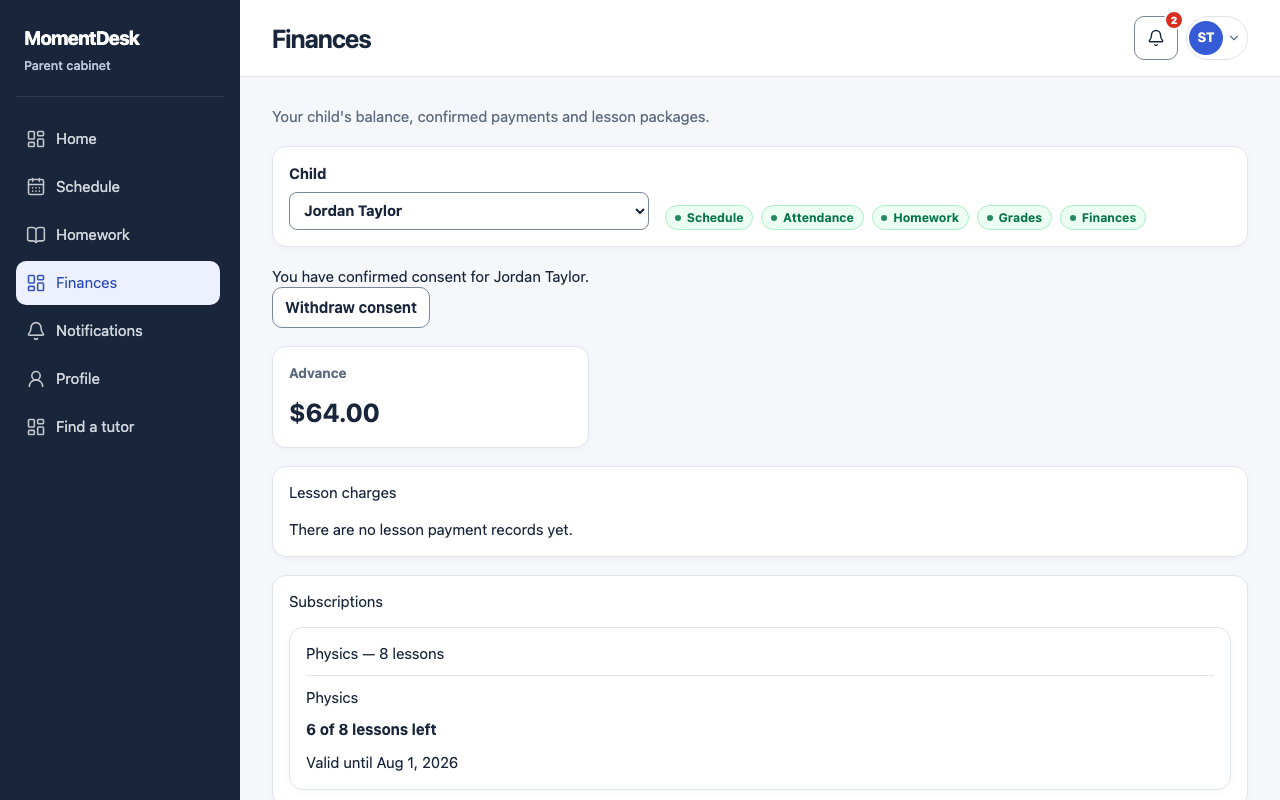
What you end up with
You know whether anything is outstanding before the next lesson.
What to do
Open Finances
Choose Finances in the menu.
Read the balance
The page shows the current balance, any amount due and any advance.
Read the payments
Recorded payments show date, amount and status. Read whether each is confirmed, cancelled or refunded; a payment mark is not yet received money.
Check the package
A lesson package shows how many of its lessons are left out of the total.
Good to know
- MomentDesk does not take lesson payments. Money is paid to the tutor directly and recorded here.
- Amounts are shown in the currency the tutor records them in.