Parent guide · Your child's learning
Use your parent home page
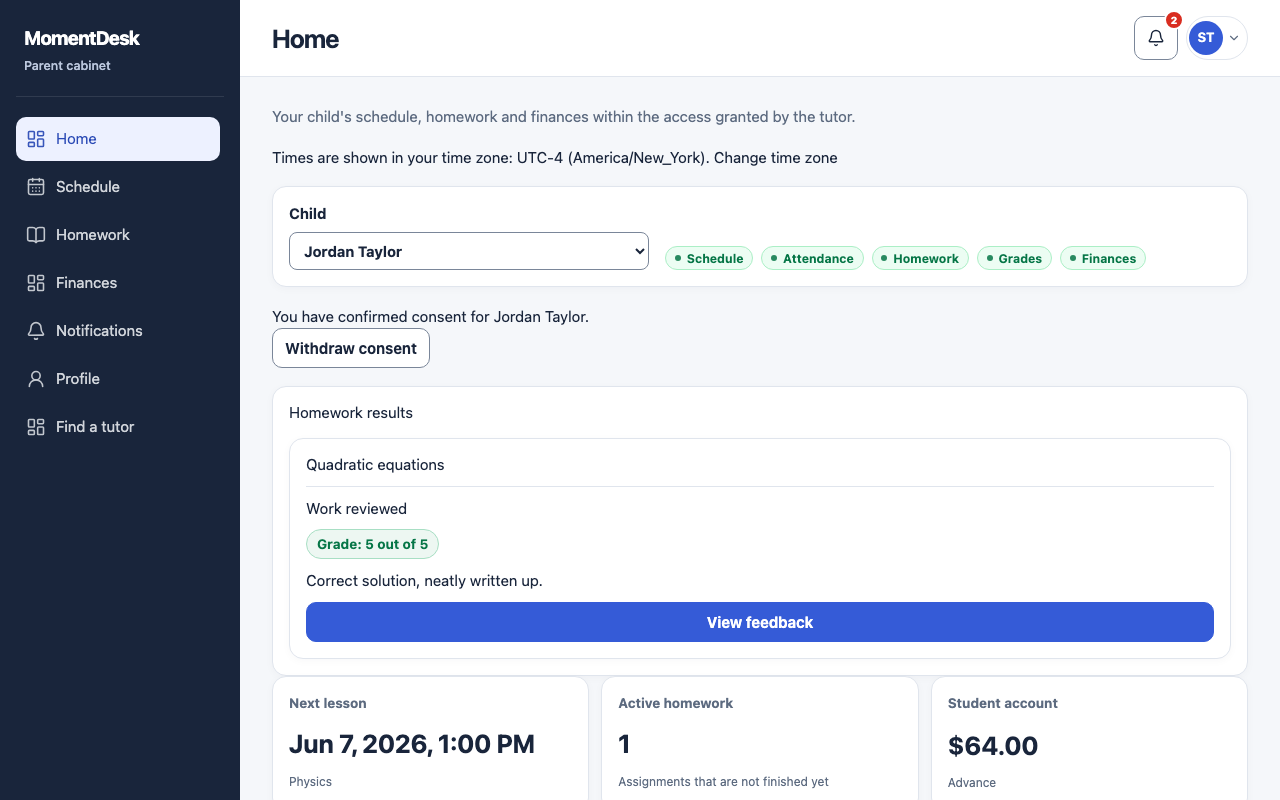
Your home page summarises what the tutor has opened to you, and nothing beyond it.
Parents following more than one child, or one.
What you end up with
You get the picture in one screen without asking the tutor for an update.
What to do
Choose the child
Use the Child selector when you have access to more than one learner. The badges beside it show which sections the tutor opened.
Read the summary
The summary shows the next lesson, active homework and balances only for the sections opened to you.
Check the time zone
Times are shown in your own time zone, named above the summary. Change it from your profile if it is wrong.
Open a section
Use Schedule, Homework, Finances, Notifications and Profile. A section without permission shows Section closed; a menu link itself does not grant access.
Good to know
- The parent workspace never shows chat conversations, the learner's submitted files or the tutor's private notes.
- If a section shows Section closed, ask the tutor to check your permissions.