Parent guide · Your child's learning
Check homework and grades
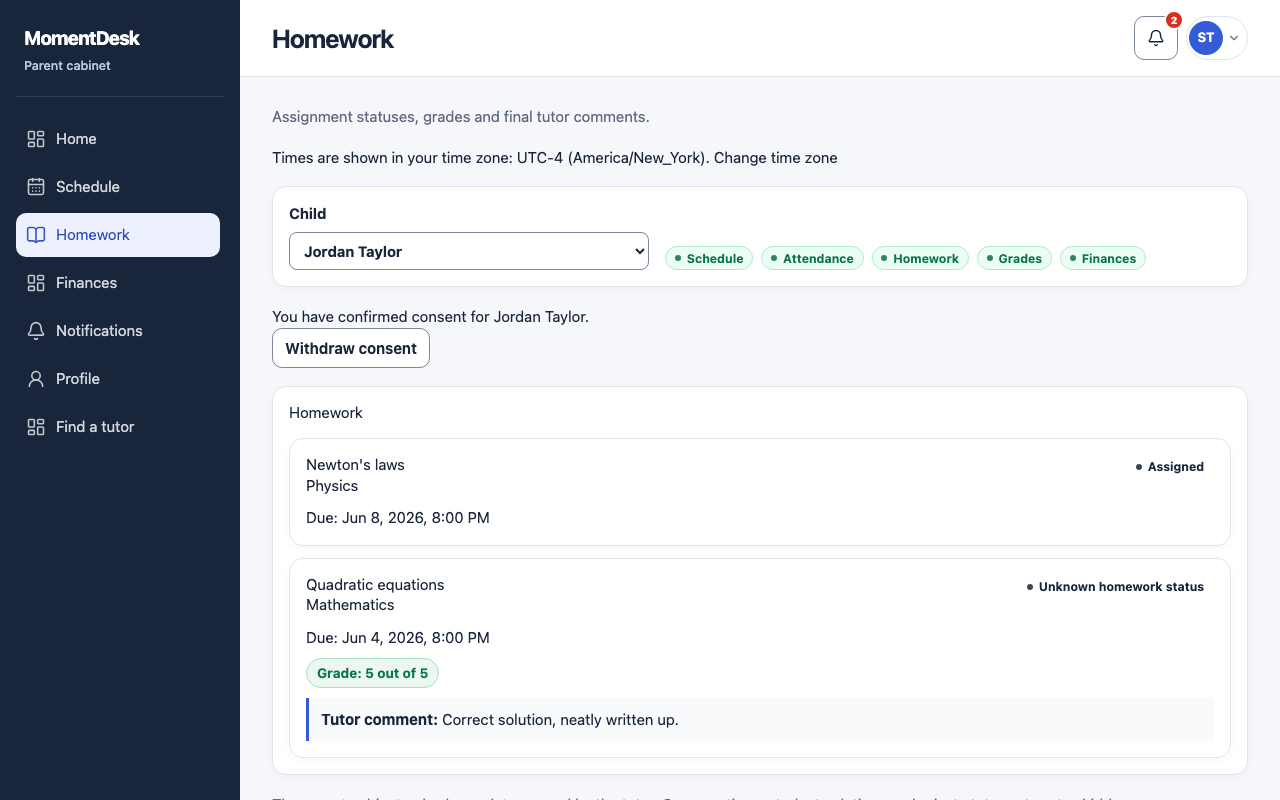
You see the status of each assignment and the tutor's conclusion, not the learner's own work.
Parents with homework access.
What you end up with
You know whether the work is done and how it went.
What to do
Open Homework
Choose Homework in the menu.
Read the statuses
An assignment is assigned, submitted, in review, checked, needs correction, cancelled or not completed.
Read the grade and comment
With grade access you also see the grade and the tutor's final comment. Grade access requires homework access.
Check the deadline
Deadlines are shown in your own time zone.
Good to know
- The learner's submitted files and the review conversation are not shown in the parent workspace.
- A missing grade does not mean the work was lost. A tutor can review without a grade.