Parent guide · Your child's learning
Check the schedule and attendance
The schedule shows the lessons themselves; attendance is a separate permission.
Parents with schedule access.
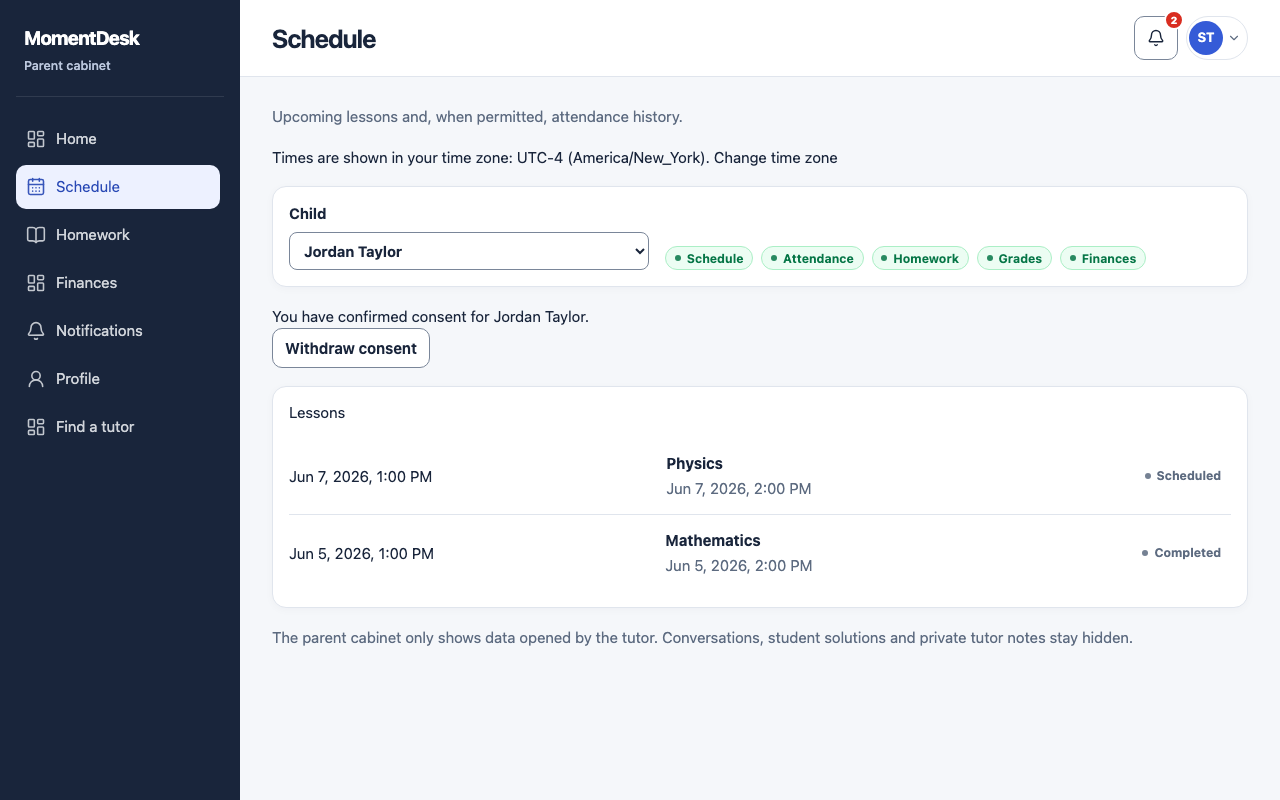
What you end up with
You can tell a planned lesson from one that actually happened.
What to do
Open Schedule
Choose Schedule in the menu.
Read upcoming lessons
Lessons are shown with their subject and time in your own time zone.
Read past lessons
With attendance access, each past lesson shows its result: completed, rescheduled, cancelled without charge, cancelled with charge, no-show, or awaiting decision.
Ask about a gap
A lesson with no result yet has not been marked by the tutor. That is a question for the tutor, not a missing record.
Good to know
- You cannot move or cancel a lesson from the parent workspace. Ask the tutor.