Parent guide · Notifications and profile
Choose your notifications
You are notified about the sections you have access to, and nothing else.
Parents who want a reminder before a lesson.
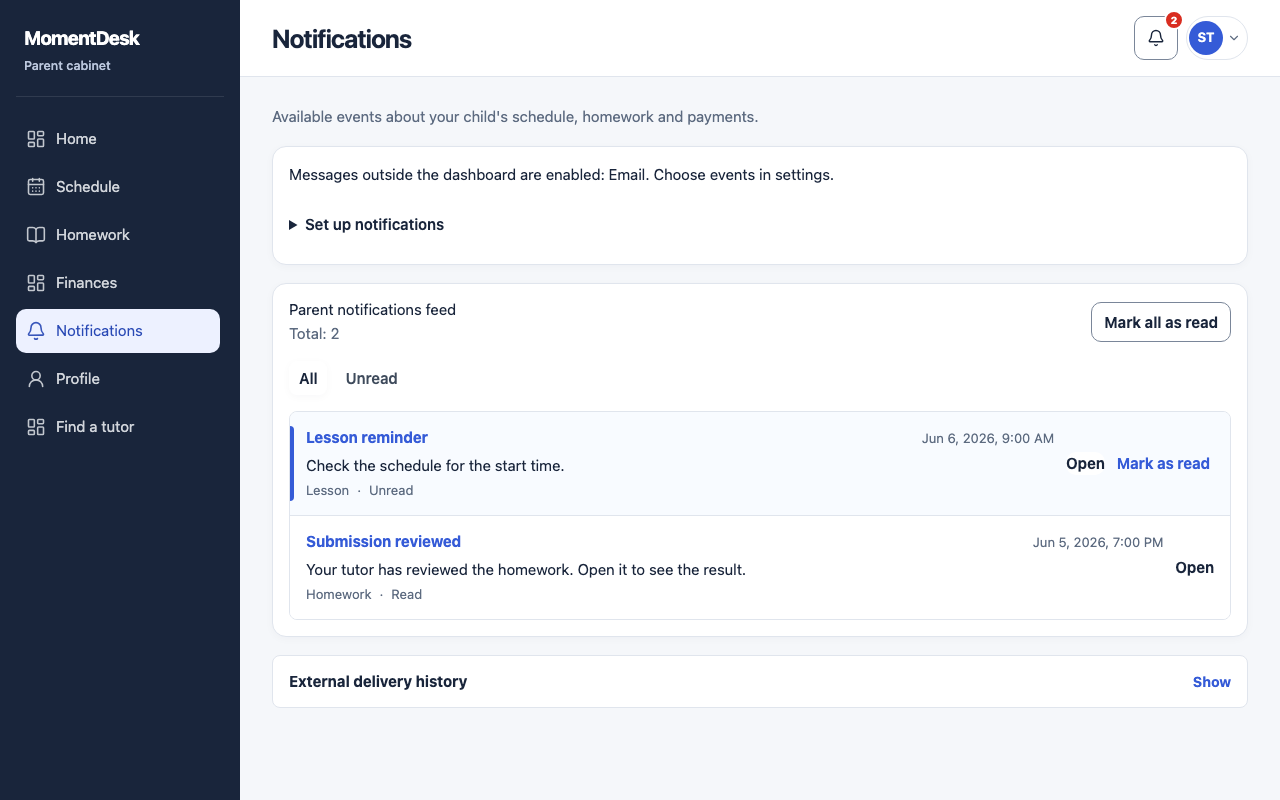
What you end up with
You can review recorded notifications within the access granted to you.
What to do
Open notifications
Choose Notifications in the menu, or the bell in the top bar.
Read the list
Notifications link to the lesson or the assignment they are about.
Choose the channels
Choose the delivery channels. In the cabinet creates workspace notifications only when both that channel and the relevant topic are enabled; email uses your account address.
Choose the topics
Follow lessons and reschedules, homework, or payments independently, and set the reminders before a lesson and before a homework deadline.
Good to know
- Turning a topic off does not change what you can see in the workspace; it only stops the notification.