Parent guide · Notifications and profile
Set your profile and how you sign in
Your time zone decides how every lesson time and deadline is shown to you.
Parents setting up their own account.
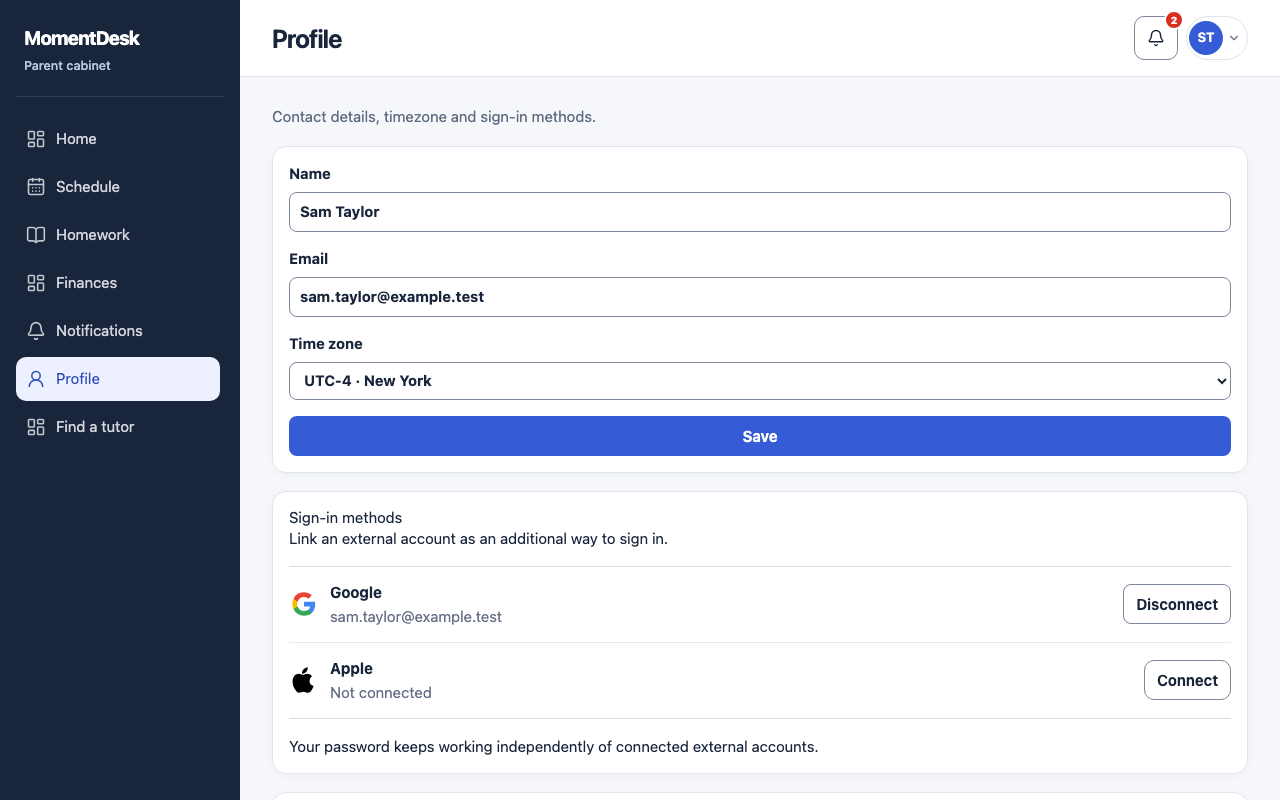
What you end up with
Times read correctly and you can get back in without the invitation link.
What to do
Open Profile
Choose Profile in the menu.
Set your name and time zone
Change your name and Time zone, then choose Save. The account email is read-only.
Add a sign-in method
Under Sign-in methods, choose Connect beside a configured external provider and complete sign-in. If you already have a password, it stays available. The last sign-in method cannot be disconnected.
Sign out
Sign out in the top account menu ends the session. Use it on a shared computer; tutor or student sign-in does not open parent data.
Good to know
- Signing in with a different role does not show your child's parent data. Each role is its own account.