Student guide · Materials and boards
Open and download materials
You see the materials your tutor opened to you, and nothing else.
Students studying between lessons.
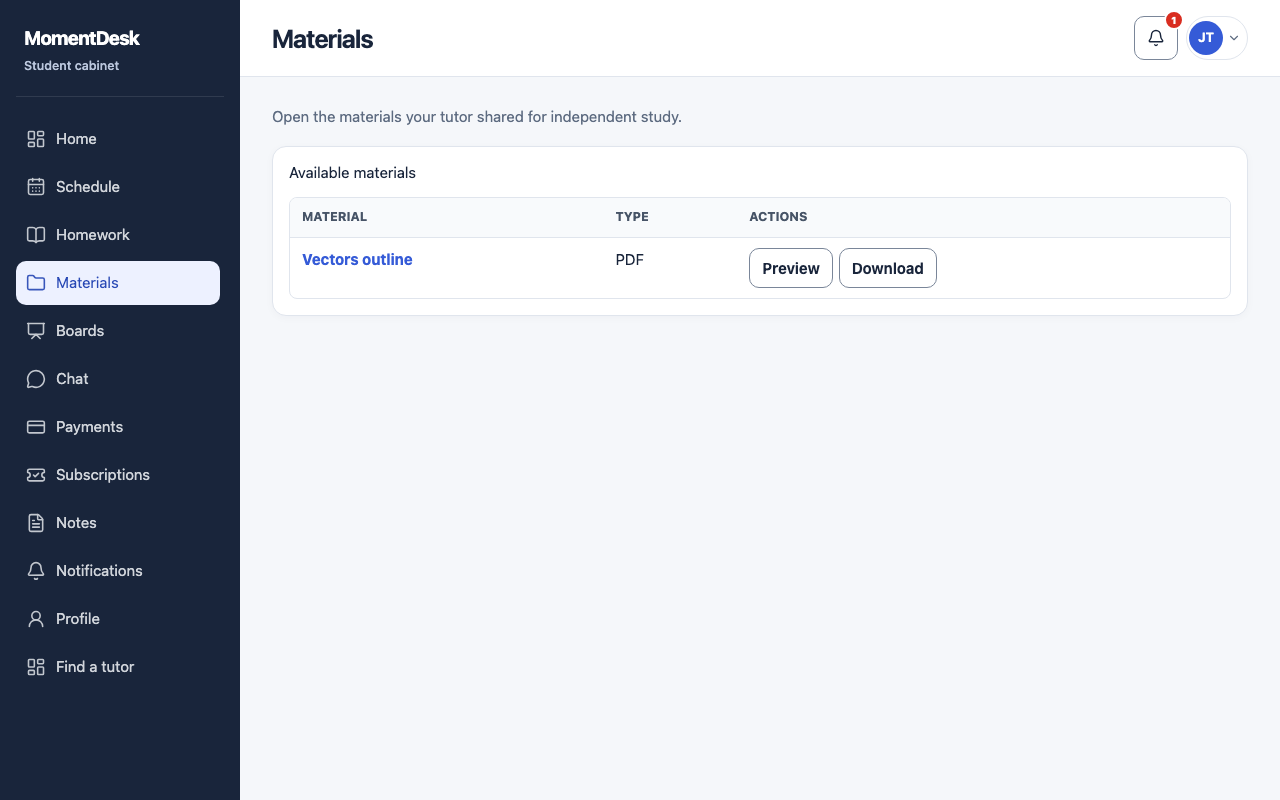
What you end up with
You can find the materials shared for independent study.
What to do
Open Materials
Choose Materials in the menu.
Find what you need
Materials are listed with their title and subject. An empty list means your tutor has not shared anything yet.
Open or download
Use Preview or the title for a supported file, or Download for a local copy. An external resource uses Open. Some formats can only be downloaded.
Ask if something is missing
If a material is missing from this list, ask your tutor to check direct access. Files shared in homework or messages can also be available through those places.
Good to know
- A material attached to an assignment is also readable from that assignment.