Tutor guide · Materials and boards
Grant or revoke access to a material
Direct material access is granted to individual students. Check the recipient list before sharing.
Tutors sharing resources with some students and not others.
What you end up with
Each student’s Materials page shows the resources directly shared with them.
What to do
Open access for a material
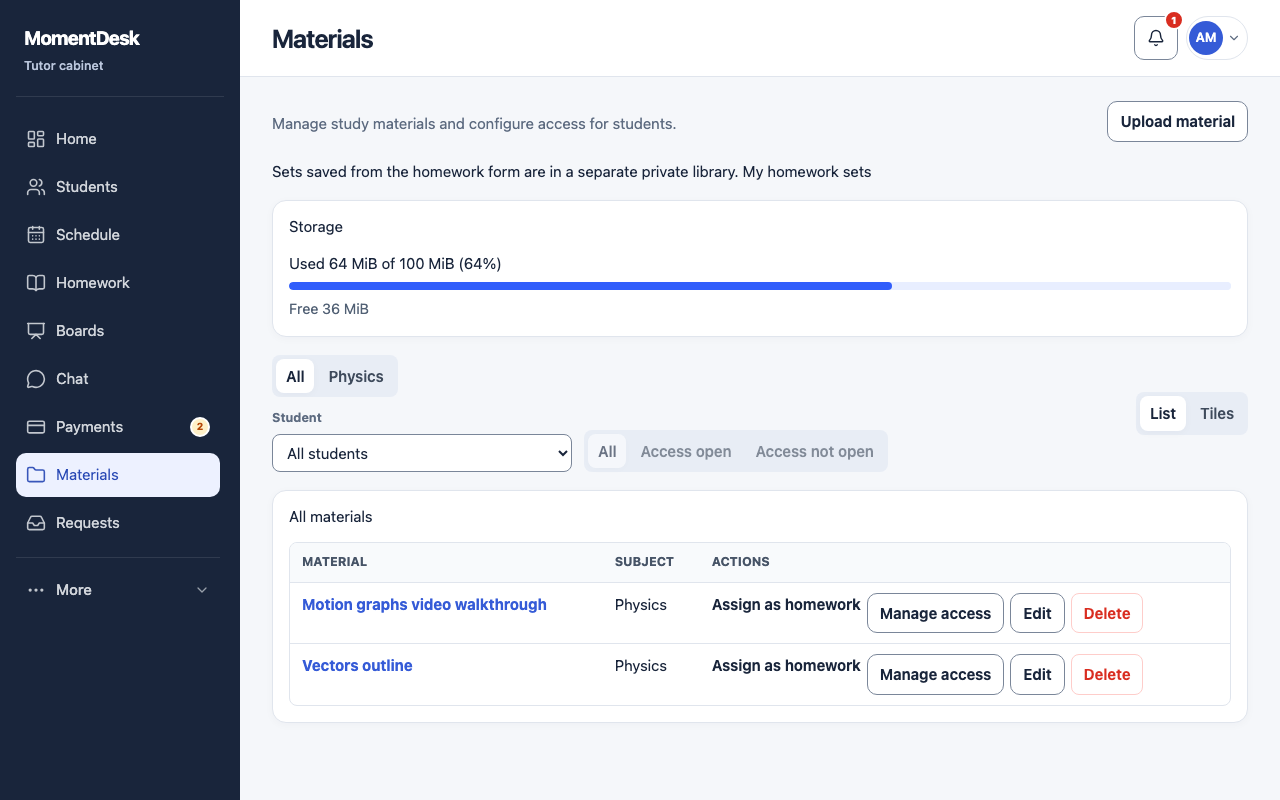
In Materials, choose Manage access on the file you want to share.
Grant access
Choose the student and Grant access. The material appears in their workspace straight away.
Check who can read it
The Who has access list shows current direct grants. Check this list rather than relying on a status badge.
Revoke it
Revoke access removes that student’s direct grant. You can also manage grants from the Materials tab of a student record.
Good to know
- File access is checked when the file is requested. Removing a direct grant does not remove access through homework or another shared location: review those separately.
- A student who already downloaded a file keeps their copy.