Student guide · Notifications and notes
Read and tune your notifications
Recorded workspace notifications remain available after an email fails, when the workspace channel and topic are enabled.
Students who want a reminder before a lesson or a deadline.
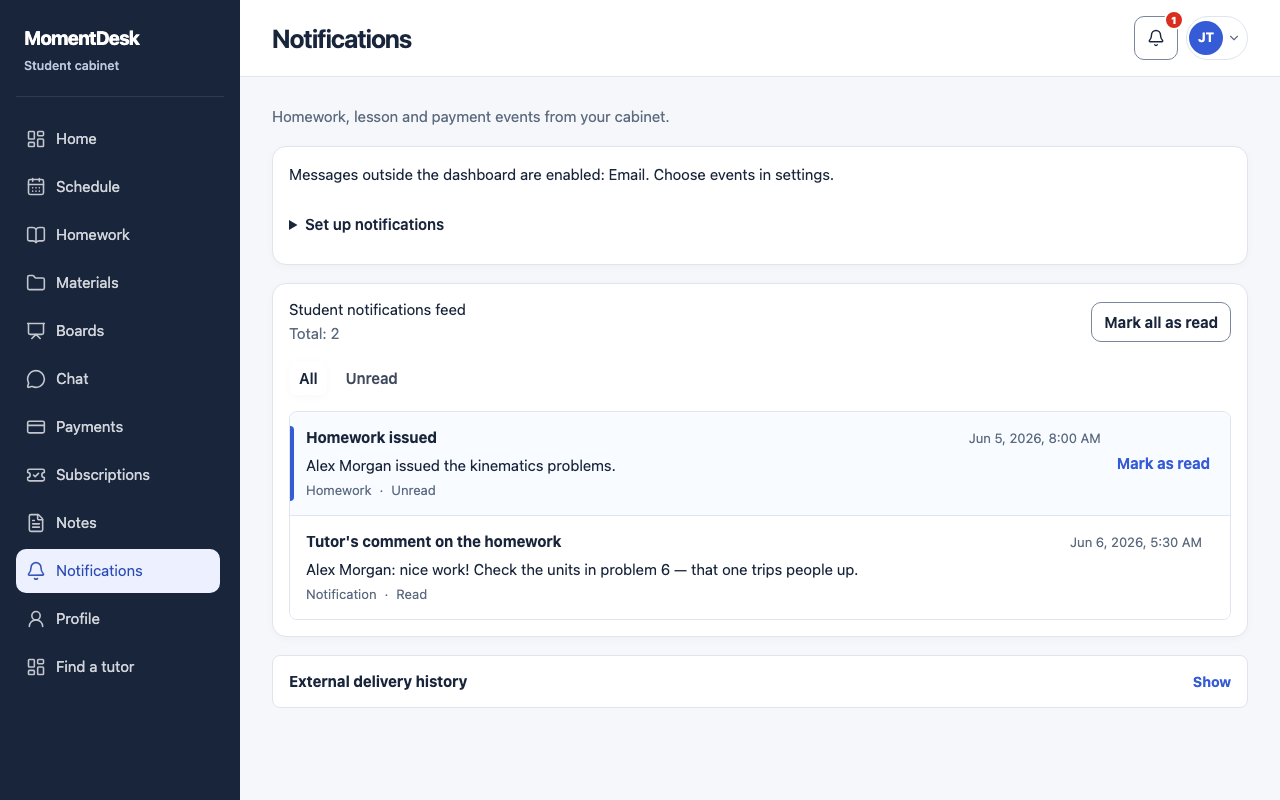
What you end up with
You can review recorded events and open the related work.
What to do
Open notifications
Choose the bell in the top bar, or Notifications in the menu.
Filter to unread
The Unread filter narrows the list to unread events.
Open the record
A notification links to the lesson or the assignment it is about.
Mark as read
Use Mark as read or Mark all as read after handling the events.
Change what you receive
Use the notification settings on this page or your profile to choose channels, topics and lesson or homework reminders. Workspace notifications require both the workspace channel and relevant topic to be enabled.