Student guide · Signing in
Set your time zone, language and notifications
Your time zone decides how every lesson time and deadline is shown to you.
Students setting up their own account.
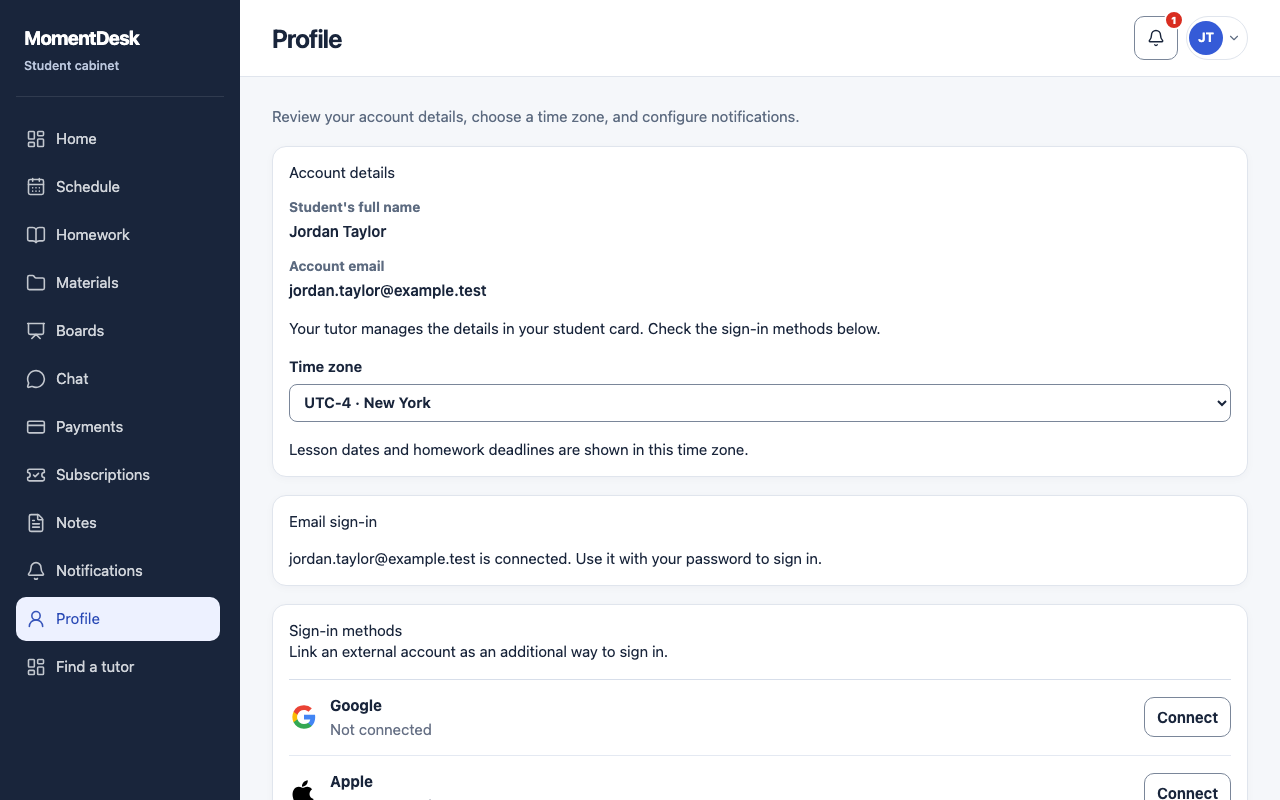
What you end up with
Deadlines mean what you think they mean.
What to do
Open your profile
Choose Profile in the menu.
Set your time zone
Choose the Time zone where you actually study. Every lesson time and homework deadline in your workspace is shown in it.
Choose the interface language
Pick the Interface language you prefer. It changes the interface, not your tutor's messages.
Tune notifications
Open Notifications and choose the channels and topics you want. Reminders before a lesson and before a homework deadline are separate switches.
Sign out when you are done
Sign out ends the session. Use it on a shared computer.
Good to know
- Your name and contact email are managed by your tutor. Ask them to correct a mistake there.
- If a deadline looks different on another device, check the time zone in your profile before asking.