Student guide · Schedule
Ask to move or cancel a lesson
A request is a proposal. Your tutor decides, and the lesson moves only after they approve it.
Students who cannot make a lesson.
What you end up with
Your tutor knows in the app, not only in a message, and the decision is recorded.
What to do
Open the lesson
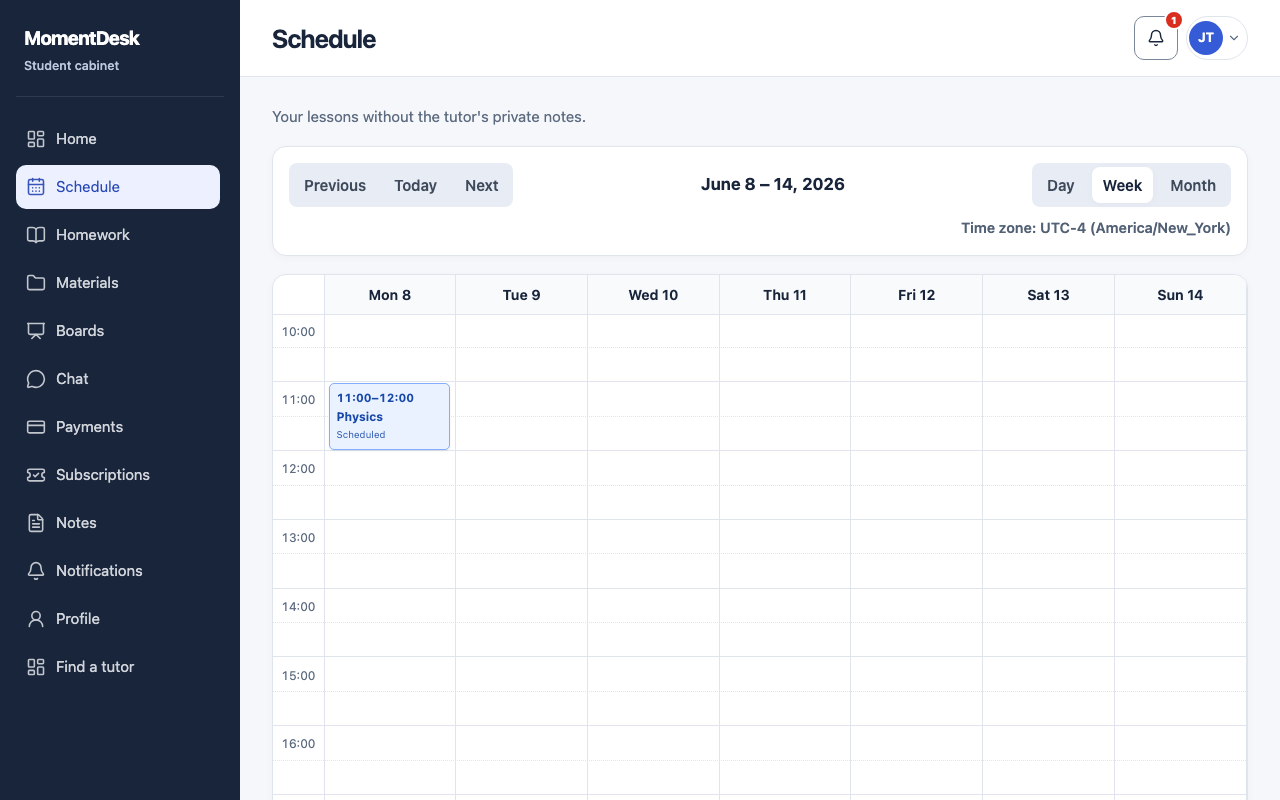
Find the lesson in Schedule and open it.
Choose what you need
Request reschedule proposes a different time; Request cancellation asks to drop the lesson.
Say when and why
For a reschedule, suggest the new time, choose the time zone and add a reason if useful. Your tutor sees them. The cancellation button sends the cancellation request directly.
Follow the status
My requests shows whether a request is requested, approved, rejected or withdrawn.
Withdraw if plans change
Withdraw takes back a request your tutor has not decided on yet.
Good to know
- Until your tutor approves it, the original lesson stands. Do not assume the slot is free.
- A cancellation may still be charged if that is what you agreed with your tutor.