Student guide · Schedule
See your schedule
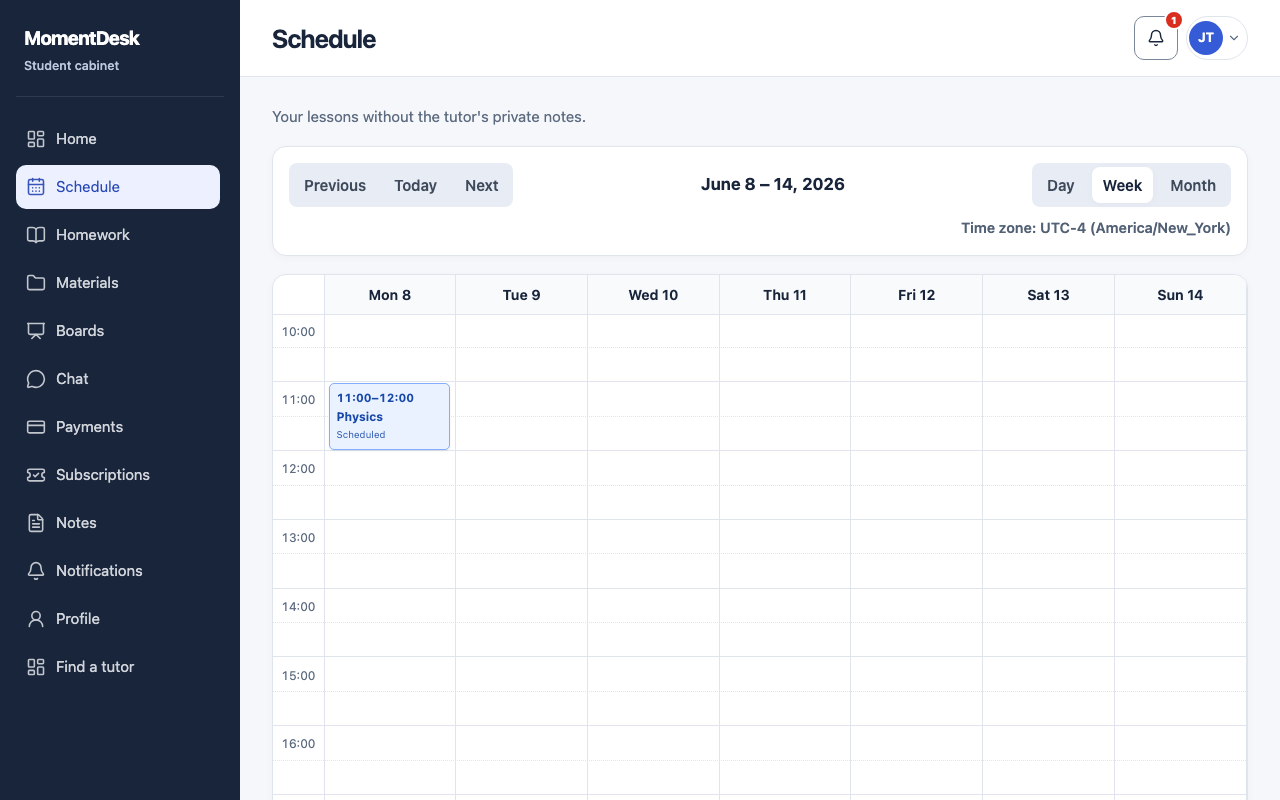
Your schedule shows your own lessons, without your tutor's private notes.
Students checking when their next lesson is.
What you end up with
You know when to be there, in your own local time.
What to do
Open My schedule
Choose Schedule in the menu.
Switch the view
Use Day, Week or Month, and Today to jump back to now.
Check the time zone
The zone shown above the calendar tells you which time zone the grid uses. It is the one in your profile.
Read a lesson's status
A past lesson reads Completed, Rescheduled, Cancelled without charge, Cancelled with charge, No-show or Awaiting decision.
Good to know
- A lesson in the calendar is a plan. Only your tutor records whether it took place.