Student guide · Notifications and notes
Read your tutor's notes
Notes are advice your tutor wants you to keep, not a chat message.
Students following a plan between lessons.
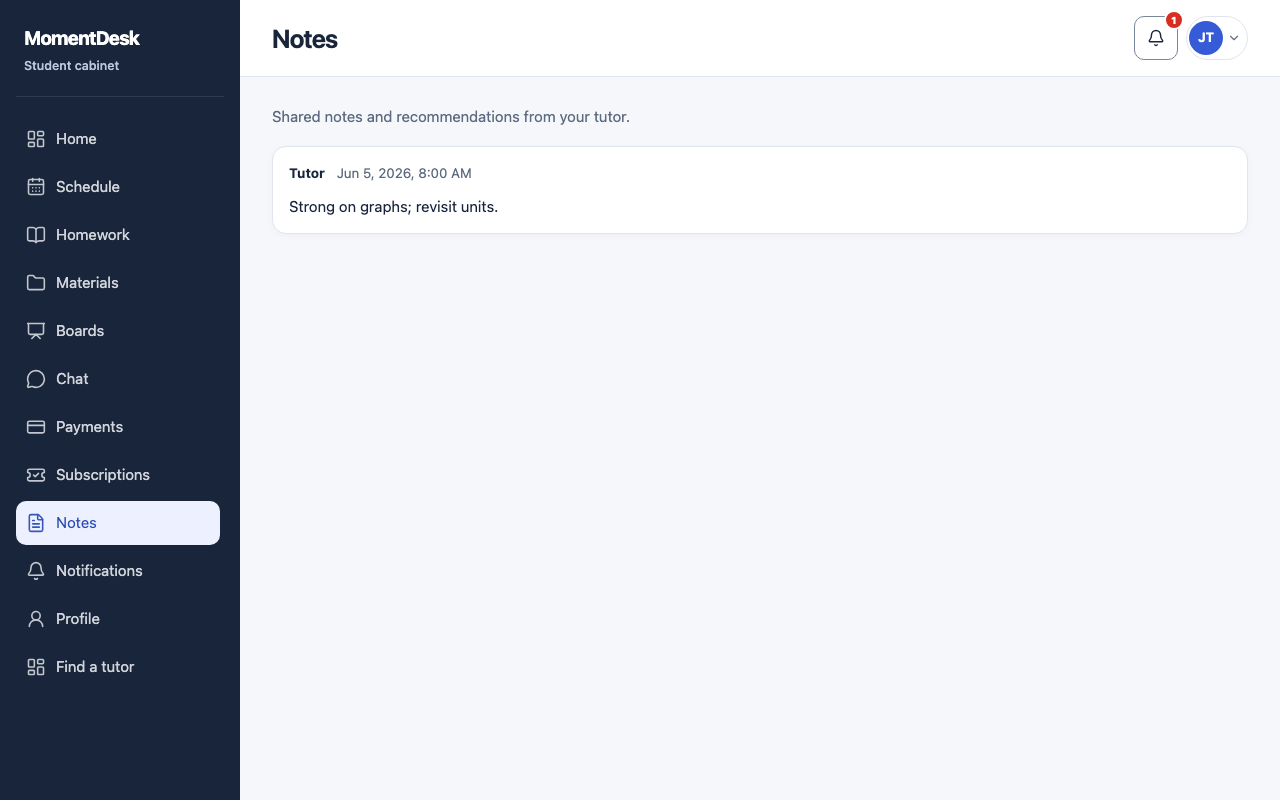
What you end up with
You can find what to practise without scrolling back through conversations.
What to do
Open Notes
Choose Notes in the menu.
Read the entries
Notes are listed newest first. They are shared: your tutor writes them and you read them.
Reply in chat
Notes are not a conversation. If you want to answer, write in Chat.