Student guide · Payments
Check your lesson package
A package tracks a number of lessons and its validity period. Eligible completed lessons use its count; issuing a package does not confirm that money was received.
Students who bought a block of lessons.
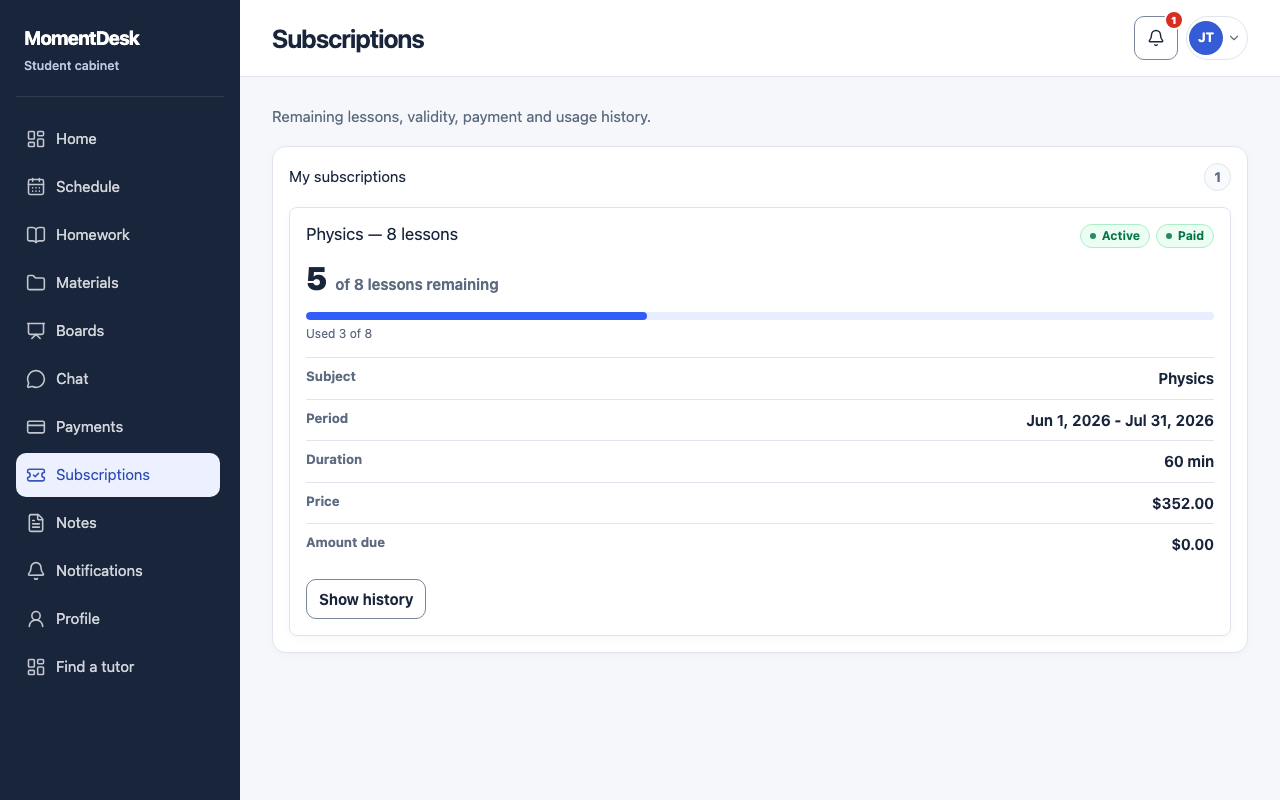
What you end up with
You can check remaining lessons and any amount still due for the package.
What to do
Open Subscriptions
Choose Subscriptions in the menu.
Read the remaining lessons
Each package shows how many of its lessons are left out of the total.
Check the dates
A package has a start and an expiry date. Lessons left when it expires are lost unless your tutor allowed them to roll over.
Read the status
A package is not started, active, frozen, out of lessons, expired or cancelled.
Good to know
- Your tutor creates, freezes and extends packages. Ask them if a count looks wrong.