Tutor guide · Insights and reports
Read your analytics
Analytics answers what changed, not only what the totals are.
Tutors reviewing how a month went.
What you end up with
You can see which part of the month is worth changing.
What to do
Open Analytics
Analytics sits under More in the menu.
Choose the period
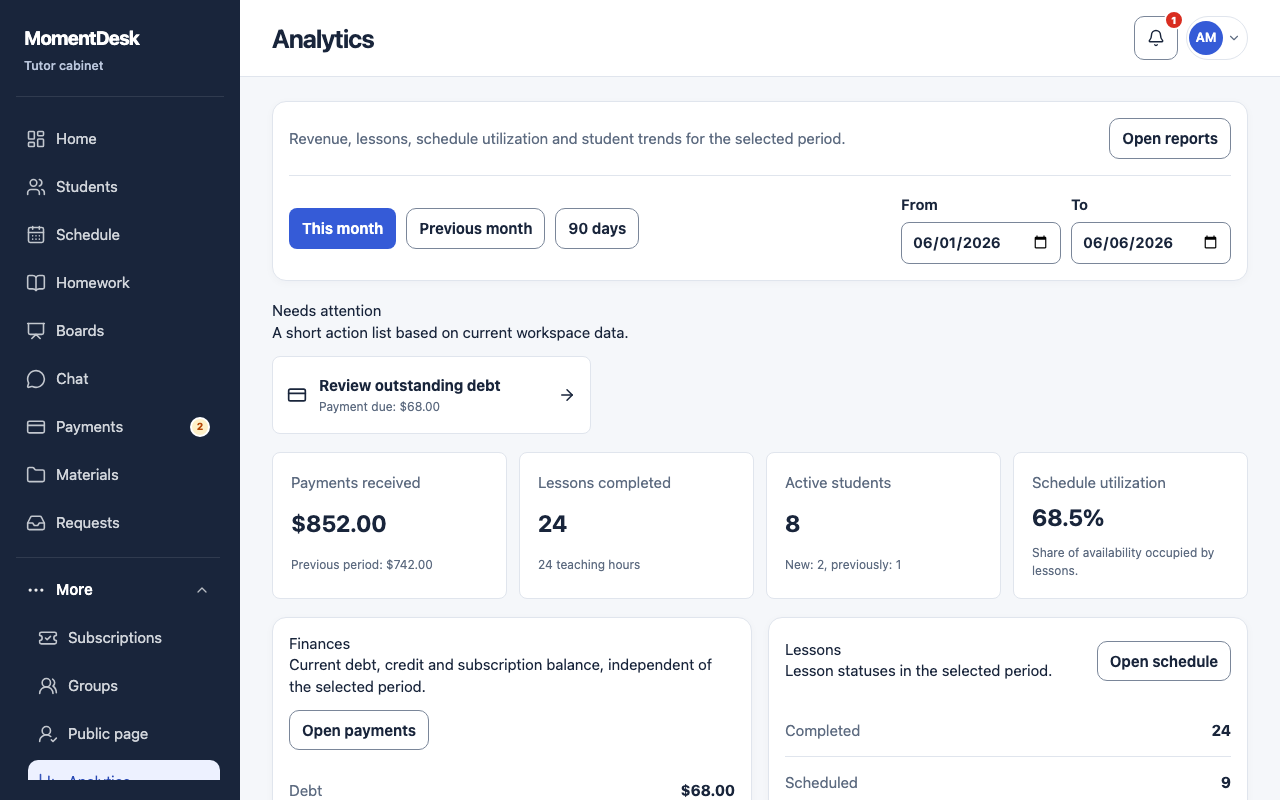
Use This month, Previous month or 90 days, or set your own From and To dates.
Read the key metrics
Payments received, Lessons completed with teaching hours, Active students and Schedule utilization, each compared with the previous period.
Check finances and lessons
The finance block separates debt, advance and packages. The lesson block separates completed, scheduled, cancelled and no-shows.
Start from Needs attention
Needs attention points at the specific things worth fixing before you read any chart.
Good to know
- Analytics counts confirmed money, so an unconfirmed payment mark is not included yet.
- Financial totals use the billing records behind the student accounts and journal.