Tutor guide · Payments
Read a student's financial journal
Every change to a balance is one entry with a type, a status and a date.
Tutors reconciling a balance that does not look right.
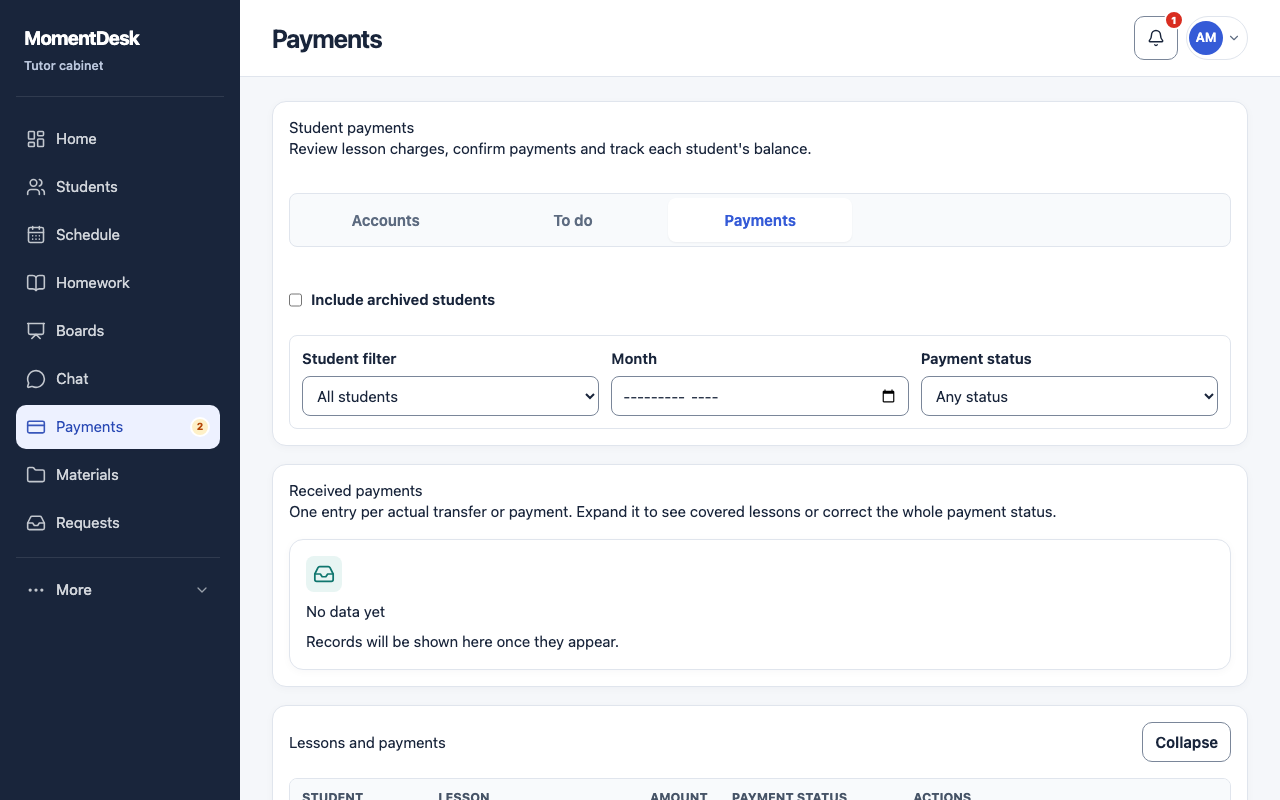
What you end up with
You can explain a balance line by line instead of guessing.
What to do
Open the journal
In the Accounts view, open a student and read the Financial journal. The Payment history by lesson shows the same money from the lesson side.
Read the entry types
Entries are labelled: lesson charge, subscription purchase, payment, partial payment, late cancellation fee, manual adjustment, write-off, refund, overpayment or other.
Read the statuses
An entry is a draft, under review, confirmed or cancelled. Only confirmed entries change the balance.
Add a manual adjustment
Use the manual adjustment when you agreed something outside the normal flow — a discount, a goodwill credit. Decide whether it is shown to the student.
Cancel a manual entry
Use Cancel entry on a manual adjustment, write-off, overpayment or independent refund. It stays visible as cancelled. Entries generated by a payment or lesson must be changed through their source.
Good to know
- Balances are per student and per currency. A report mixing currencies asks you to narrow it down.
- Private notes are visible only to you. A public comment on a manual adjustment is shown when you enable Show to student.