Tutor guide · Insights and reports
Generate a monthly PDF report
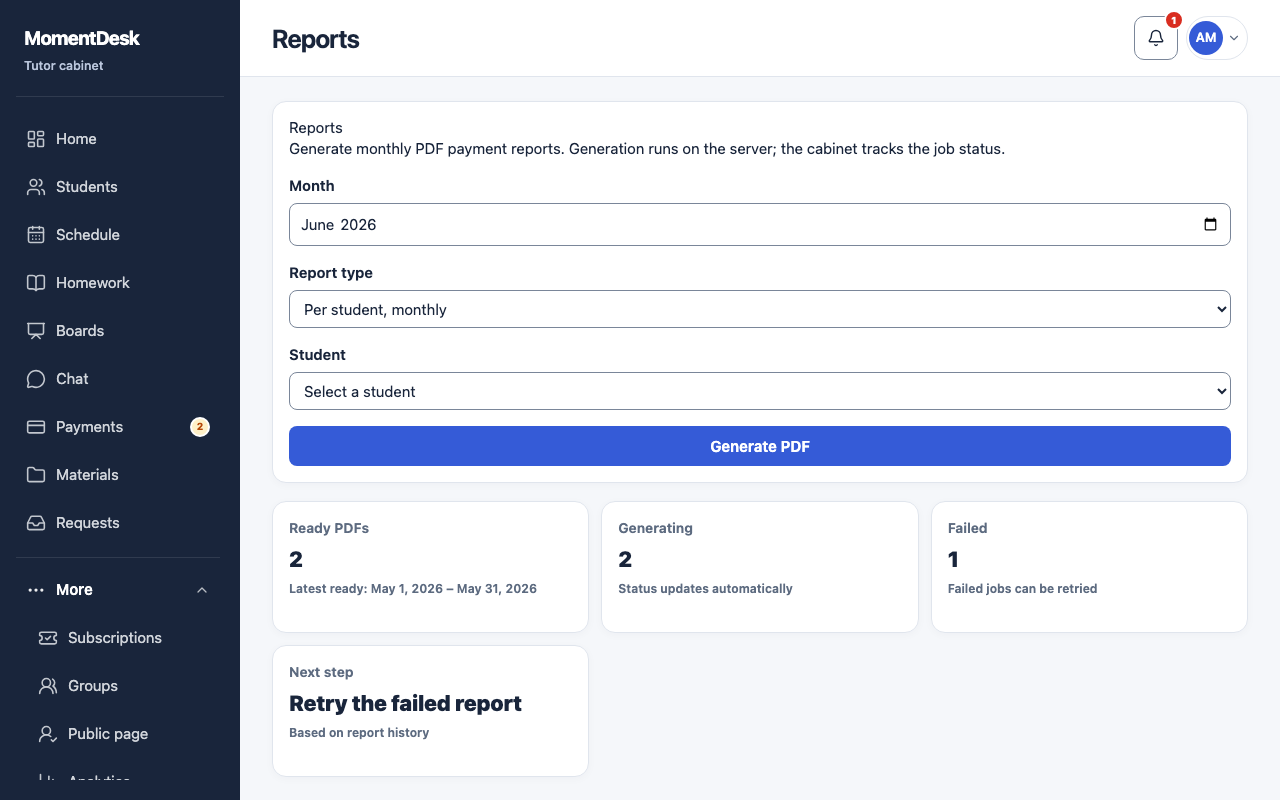
The report is produced on the server; the page tracks the job until the file is ready.
Tutors sending a monthly summary to a family, or keeping one for themselves.
What you end up with
A PDF you can send or file away.
What to do
Open Reports
Reports sits under More in the menu.
Fill in the form
Under New report, choose the Month, the Report type — per student or all students — and, for a single student, which one.
Generate it
Choose Generate PDF. The job appears with a status: queued, processing, ready or failed.
Download it
When the status is ready, choose Download PDF. Earlier reports stay in the list.
Retry a failure
A failed job shows its reason. Retry runs it again once you have fixed what it named.
Good to know
- A report covering several currencies is refused. Generate a separate report for a student with a single currency.
- Confirmed money is included in the report. Record payments you have already received before generating it.