Tutor guide · Schedule
Delete a lesson entered by mistake
Delete a lesson only when it was entered by mistake. If it was planned and then did not happen, cancel it instead.
Tutors correcting a data-entry mistake.
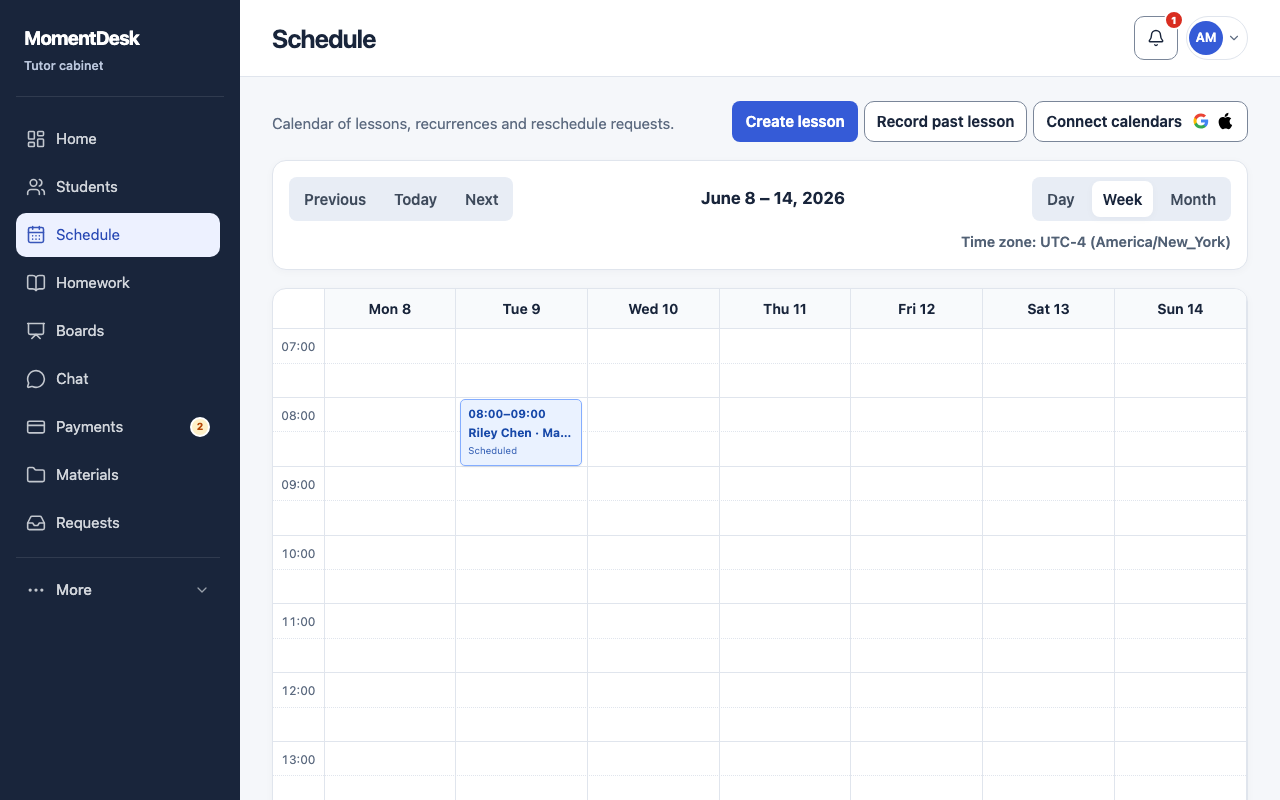
What you end up with
The mistaken lesson leaves both calendars; the audit event and confirmed money remain.
What to do
Open the lesson
Choose the lesson in Schedule, then Delete.
Check that you are deleting one lesson
Delete applies to one lesson, including in a series. To end recurrence and remove future automatically generated lessons, open Series and use Stop recurrence separately.
Read the confirmation
The lesson leaves the tutor and student calendars, and linked charges and payment marks are cancelled. The audit event stays.
Check the student's account
Check Payments → Accounts afterwards. Confirmed money is not lost: it remains on the student's account as advance credit for other lessons.
Good to know
- Prefer Cancel for anything that was genuinely planned: it keeps an explanation for you and the student.
- Automatic generation does not recreate a deleted occurrence of a series.