Tutor guide · Account and settings
Use the notification center
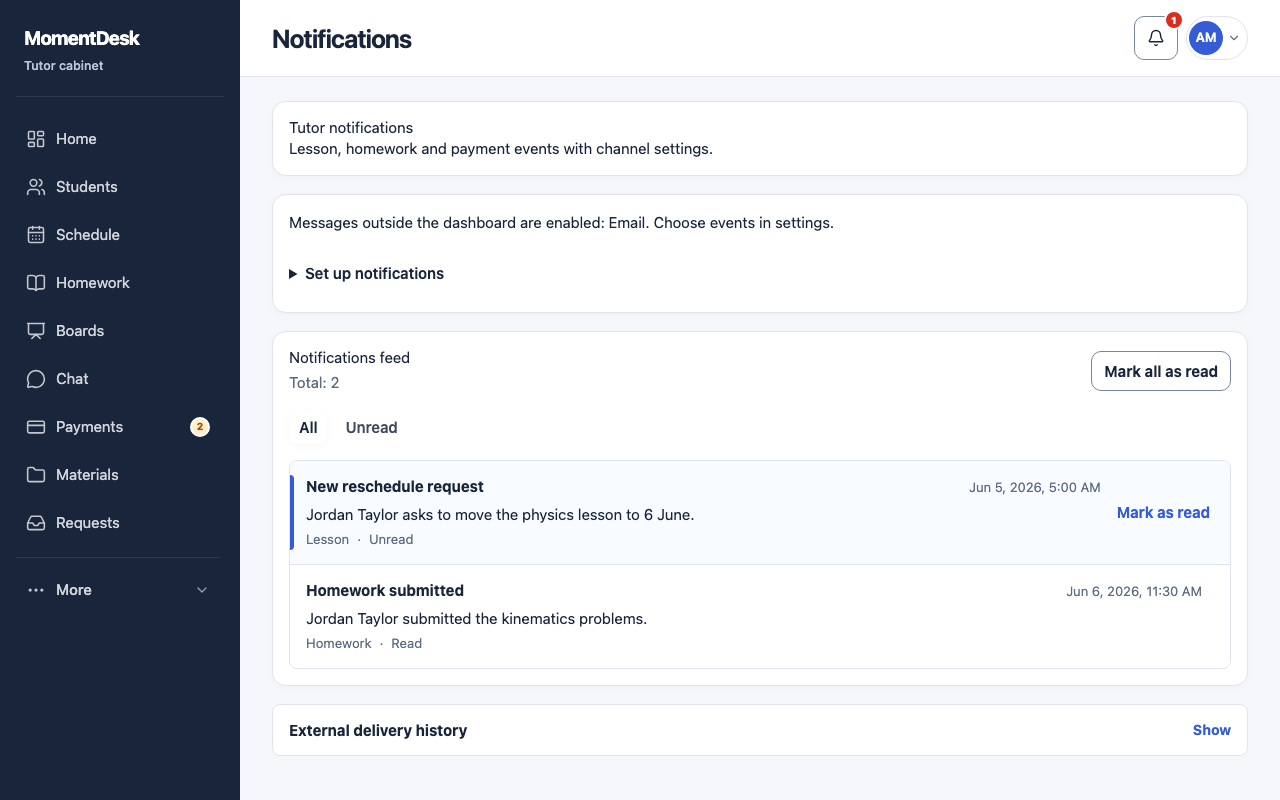
The center lists recorded notifications so you can catch up on events.
Tutors catching up after a day off.
What you end up with
You can act on recorded events even if an external delivery failed.
What to do
Open it
Choose the bell in the top bar. The badge counts unread notifications.
Filter to unread
Use the unread filter to see only what you have not read yet.
Open the record
A notification links to the lesson, assignment or payment it is about. Open it to act rather than reading twice.
Mark as read
Mark items read once you have handled them, so the badge reflects real work.
Good to know
- With the workspace channel and topic enabled, recorded notifications remain available when an external delivery fails.