Tutor guide · Schedule
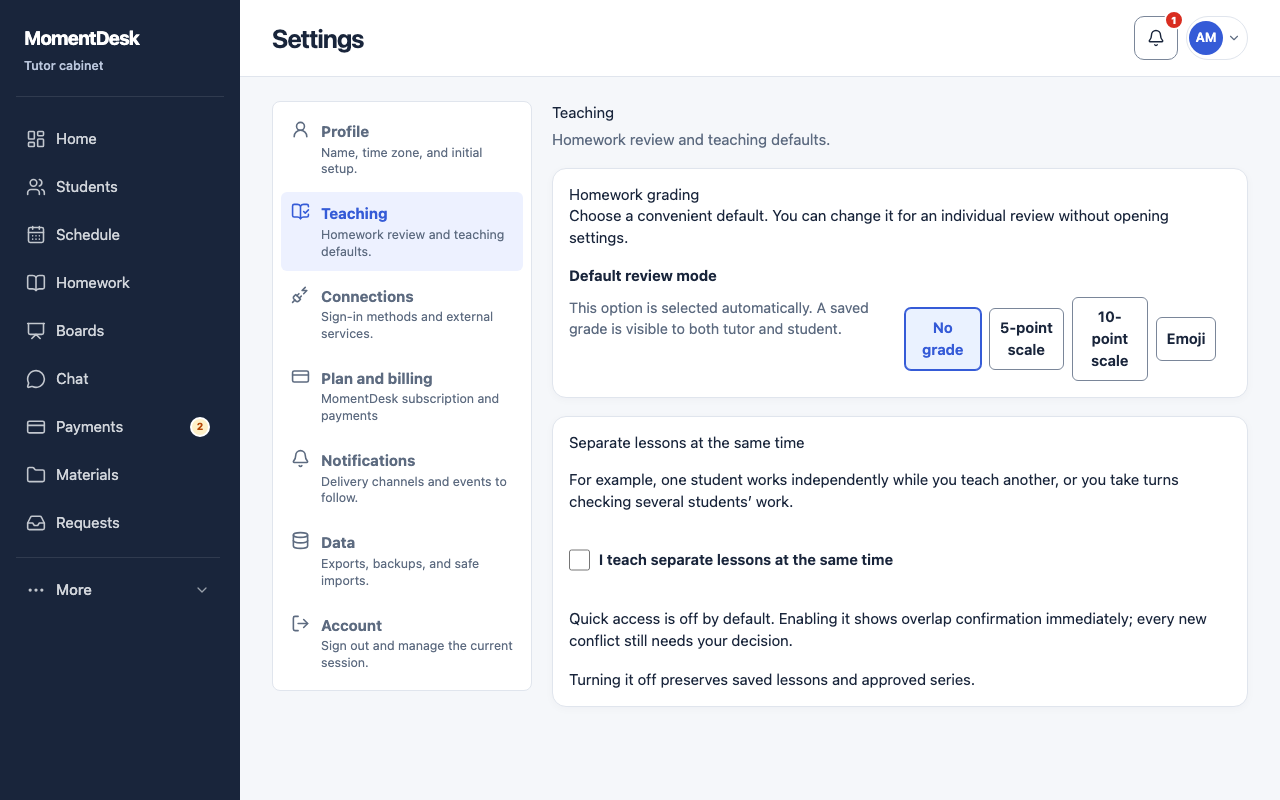
Teach separate lessons at the same time
MomentDesk warns about an overlap. Quick access shows confirmation immediately, but never saves a conflict without your decision.
Tutors who overlap lessons on purpose.
What you end up with
Intentional overlaps are approved, and each lesson keeps its own student, materials and payment.
What to do
Open Teaching settings
Go to Settings → Teaching and find Separate lessons at the same time.
Switch it on
Tick I teach separate lessons at the same time. Quick access is off by default.
Review and confirm each overlap
Check the students, dates and overlap duration. Choose Allow for this lesson only or Allow overlaps between these series. Every new conflict needs your decision. With quick access off, first choose I intentionally teach separate lessons at the same time.
Turn it off safely
Turning the setting off preserves saved lessons and approved series pairs, but removes quick access to confirmation.
Good to know
- For a shared lesson, create a group. Overlaps involving group lessons or two lessons for the same student are not supported.
- Approval of a series pair applies while its conditions stay the same. A new pair or a longer overlap requires new confirmation.