Tutor guide · Materials and boards
Create a persistent whiteboard
Personal boards are for your preparation; a student board is a shared, saved workspace.
Tutors who want last lesson's work still on screen.
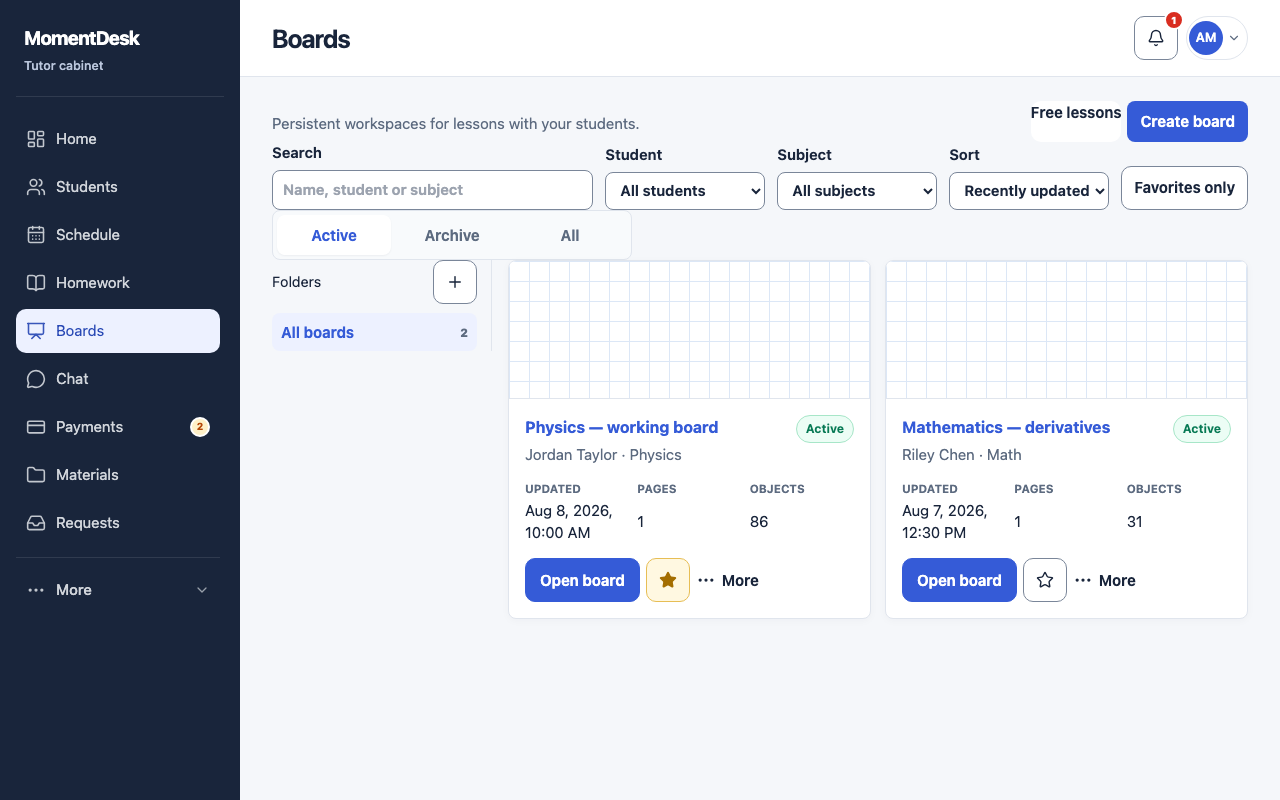
What you end up with
Your preparation and shared lesson boards can be reopened later.
What to do
Open Boards
Choose Boards in the menu.
Create the board
Choose Create board and fill in Board name. Keep Personal board — no student for private preparation, or select a student and one of their subjects for a shared board. Choose a name you can find later.
Add pages
Use Board pages to add, duplicate or reorder pages. One board can hold a whole term of work.
Keep the list tidy
Rename, Duplicate, Archive and Restore manage the list. Archiving keeps the content.
Mark the ones you use
Choose Add to favorites, then use Favorites only to find frequently used boards quickly.
Good to know
- A board counts towards the library and board storage on your plan.