Tutor guide · Free tools
Free fill-in-the-blank worksheet maker — How to use this tool
Choose individual words in your text, create one or two worksheets and copy or print them with an optional separate answer key.
The editor processes your text in this browser. Export your work before leaving; the editor does not save a draft.
What to do
Choose a useful paragraph
Use your own text or text you have permission to reproduce. Pick vocabulary or concepts already covered in the lesson. Keep enough surrounding text to make each gap answerable.
Choose each occurrence
Paste up to 10,000 characters and select Choose words in the text. Select a word to hide it; select again to remove the gap. Two occurrences of the same word are independent. Punctuation and paragraphs remain.
Set one or two versions
One version hides every selected word. Two versions put alternate selected gaps in A and B, so each needs at least one gap. A and B do not randomise the text or guarantee equal difficulty.
Decide on support
Include a word bank for a supported exercise or turn it off for recall. Words are sorted using the page language. A repeated answer appears as many times as it is needed.
Check the worksheet and key
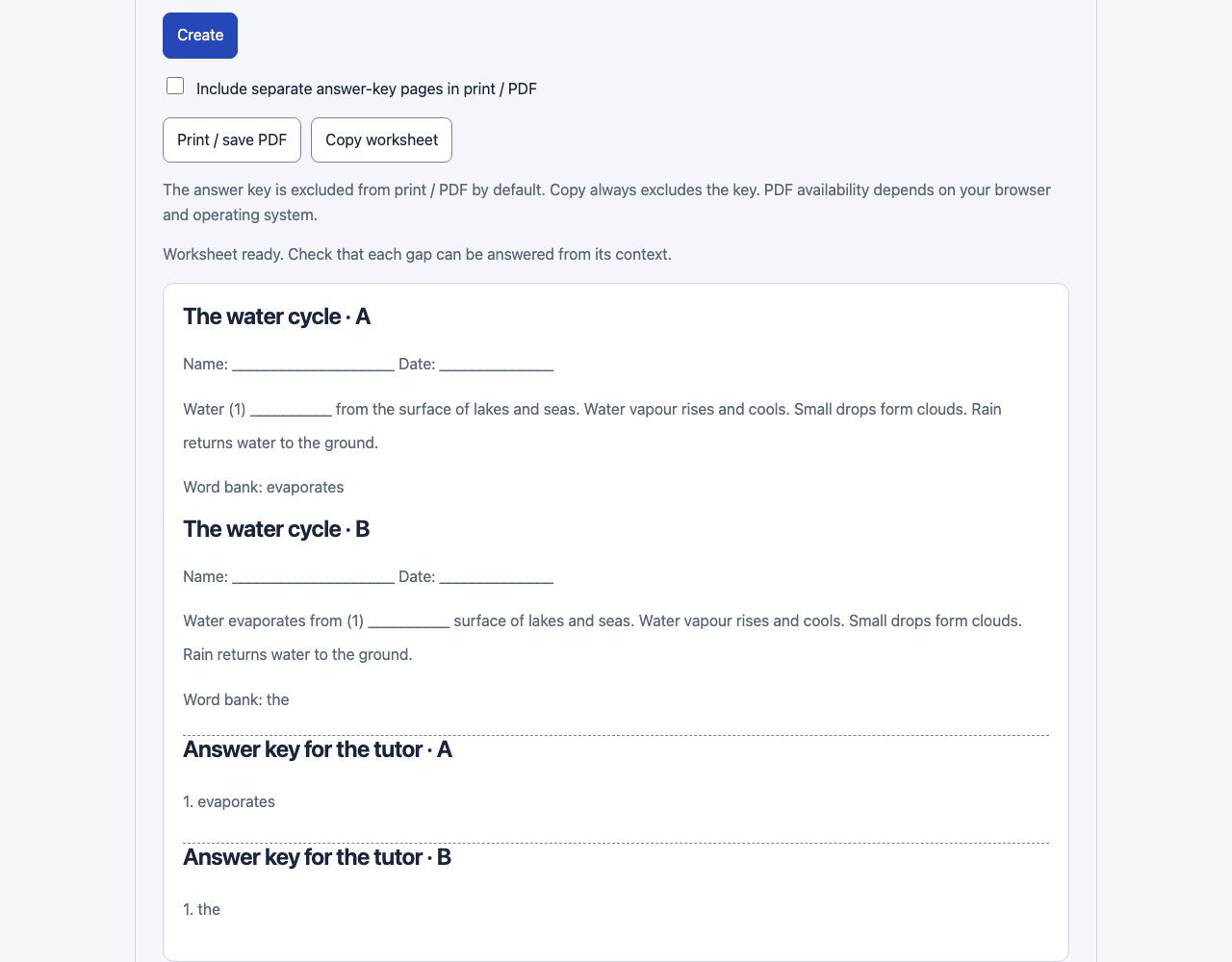
Select Create. Read the gaps in context and compare their numbers with the separate tutor key. The key records the original words; the tool does not automatically mark a learner’s alternative answers.
Copy, print or assign
Copy excludes answers. Print excludes the key until you select its checkbox; the key then starts on separate pages. Save PDF from your browser if available, upload it to Materials and attach it to homework. Input is plain text, with no formula typesetting or saved draft.
Good to know
- The answer key is excluded from print / PDF by default. Copy always excludes the key. PDF availability depends on your browser and operating system.
- The editor processes your text in this browser. Export your work before leaving; the editor does not save a draft.