Tutor guide · Free tools
Free flashcard maker — How to use this tool
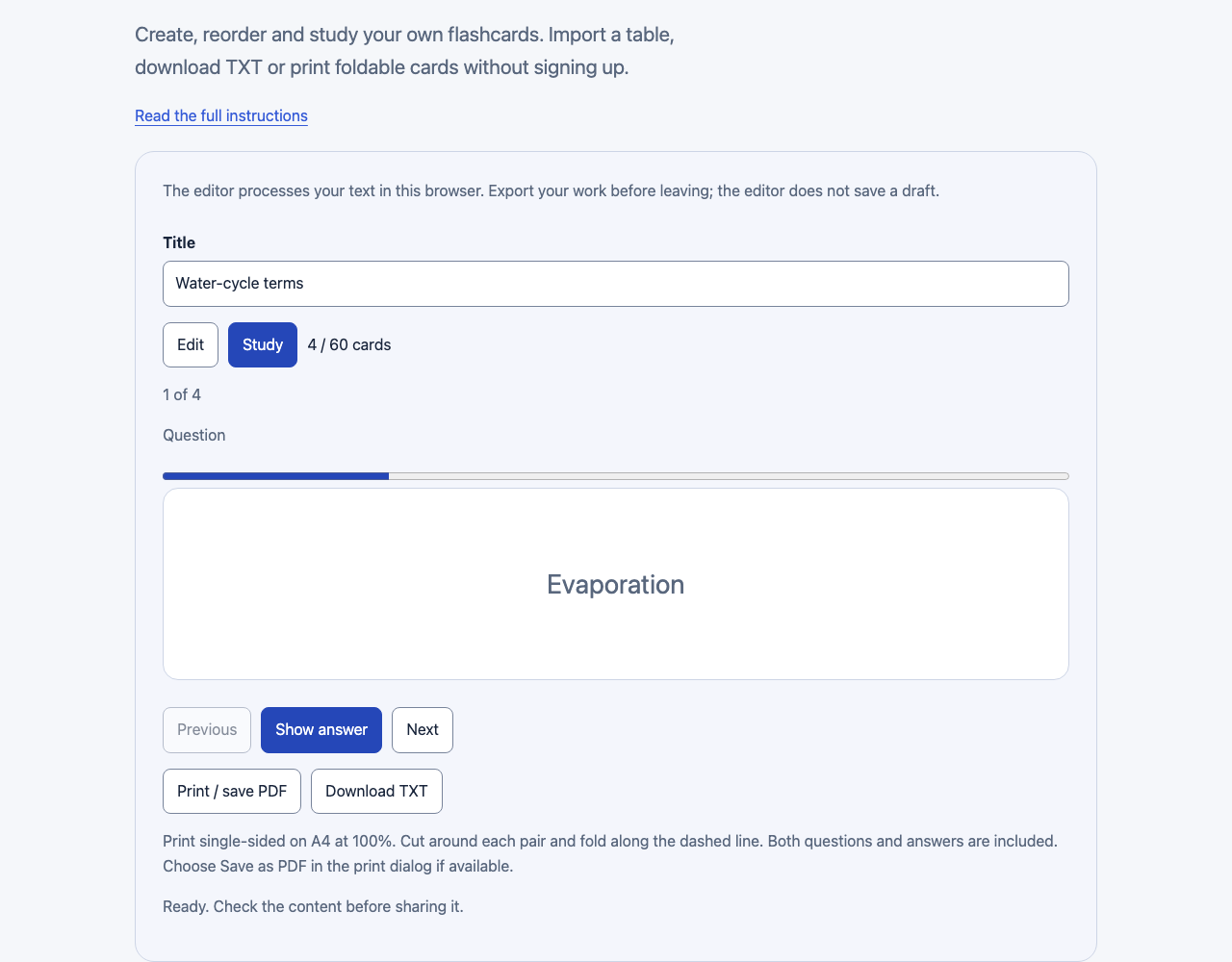
Create, reorder and study your own flashcards. Import a table, download TXT or print foldable cards without signing up.
The editor processes your text in this browser. Export your work before leaving; the editor does not save a draft.
What to do
Choose one recall goal
Use a short question with one clear answer. Separate a definition, an example and an exception into different cards. The example set describes four processes in the water cycle.
Enter or import your pairs
Edit both sides of each card. To import a table, copy two columns and paste them in the list field. Add to set keeps existing rows; Replace set replaces them. Undo last change restores the previous set.
Check the order
Use Move up and Move down or drag a row. Duplicate copies a card; Delete removes it. Keep up to 60 cards, with up to 180 characters on each side. Blank sides cannot be exported.
Recall before turning
Select Study, try to give the answer, then Show answer. Previous and Next change the card. A card counter shows your position; the tool does not score or schedule spaced repetition.
Export a reusable set
Download TXT saves tab-separated pairs that can be imported again. Print single-sided A4 at 100%, then cut and fold. A set of 60 cards occupies 20 pages. Check your browser print preview before saving PDF.
Use it in a lesson
Upload the PDF through Materials in MomentDesk, then choose whom to share it with. A TXT list preserves editable pairs; sharing a URL opens the default example rather than your private set. Export before leaving because no draft is saved.
Good to know
- Print single-sided on A4 at 100%. Cut around each pair and fold along the dashed line. Both questions and answers are included. Choose Save as PDF in the print dialog if available.
- The editor processes your text in this browser. Export your work before leaving; the editor does not save a draft.