Tutor guide · Schedule
Create a recurring series
A series creates real lessons. Each one can still be moved, cancelled or repriced on its own.
Tutors with a regular weekly slot.
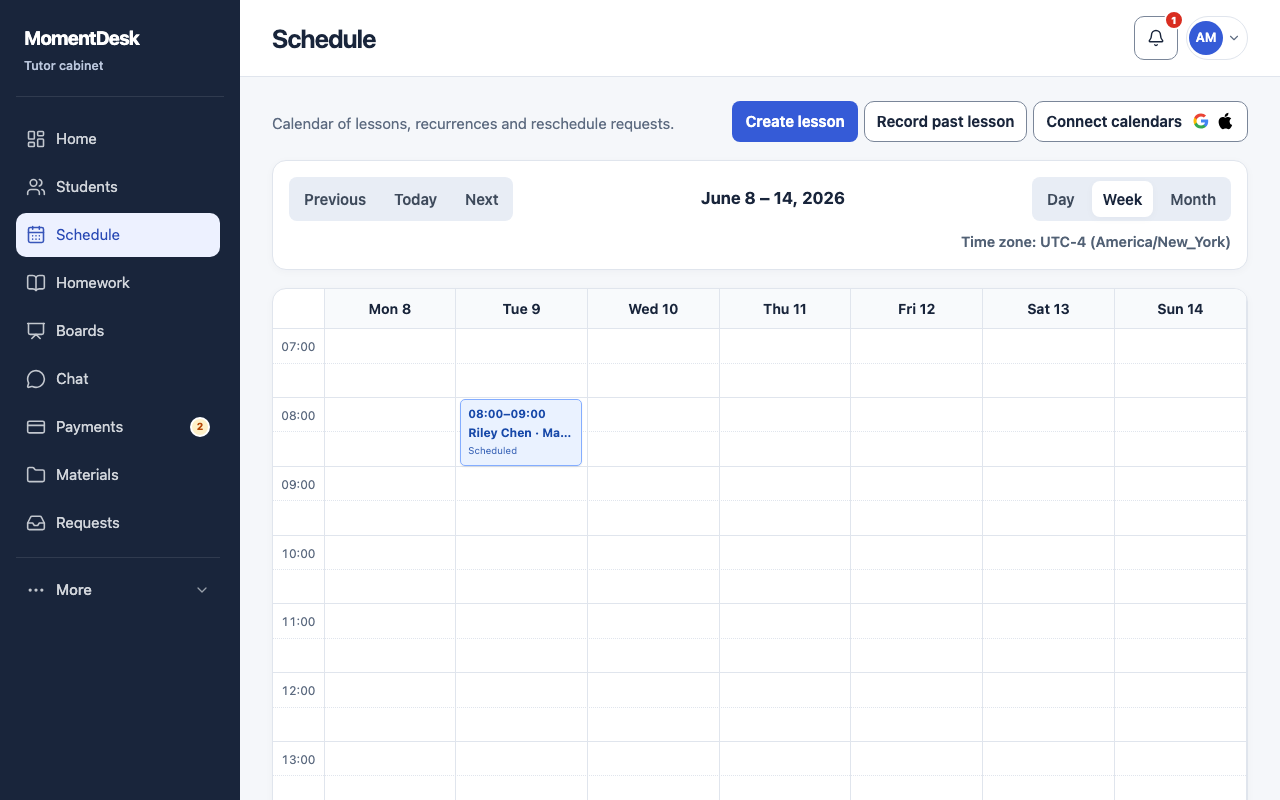
What you end up with
The regular slot is in the calendar to the end date you chose.
What to do
Start from a lesson
Fill in the lesson form as usual, then switch on Repeat. A series needs a positive subject rate. If it is missing, enter and save the agreed rate in the offered field; it is saved to the learner profile for subsequent lessons.
Set the rhythm
Choose Frequency — Weekly or Daily — and the Interval. For a weekly series, tick the Days of the week you teach.
Set an end
End the series after a Count of lessons or on an Until date. A series without an end keeps generating lessons, which is harder to correct later.
Review before saving
Check the first date, duration, price and time zone again; they set the starting values for the series.
Repeat an existing lesson instead
To extend an existing lesson, use Repeat on it: choose After a number of lessons or On a selected date, then Create repeats. The count is for new lessons and excludes the original. New lessons use the current subject rate.
Good to know
- Around a daylight-saving change the local clock time is kept, so check the first lesson after the change.
- Each created lesson has its own price. Changing the subject rate does not rewrite lessons already created.